To link a bank account or e-wallet at Casino Plus Philippines, open the Cashier, start a withdrawal, tap Add Now, and enter the account details in your own name. The name must match your registered Casino Plus account exactly, or payouts will be held. This guide covers why the name must match, how to link an account, and how to fix a mismatch.
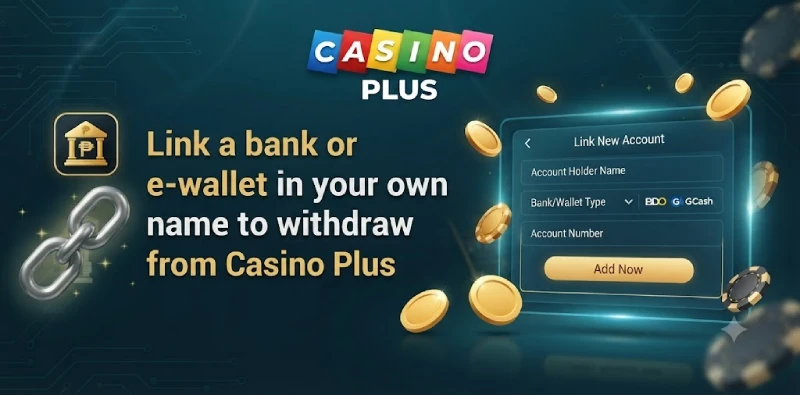
Why the Name Must Match
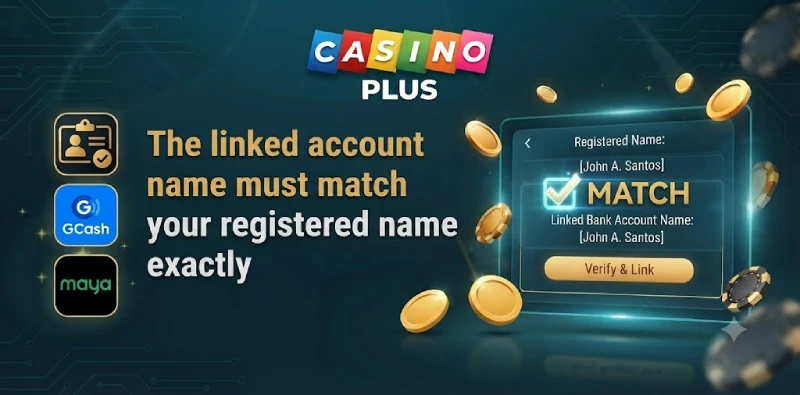
The name on your linked bank account or e-wallet must be identical to the name on your Casino Plus account. This is an anti-money-laundering rule that licensed casinos follow, and it protects you by ensuring payouts only go to an account you own. Because the check is exact, even a missing middle name or a different spelling can hold a withdrawal, so it is worth getting right the first time.
How to Link a Bank Account or E-Wallet
You link a payout method from the Cashier when you first withdraw.
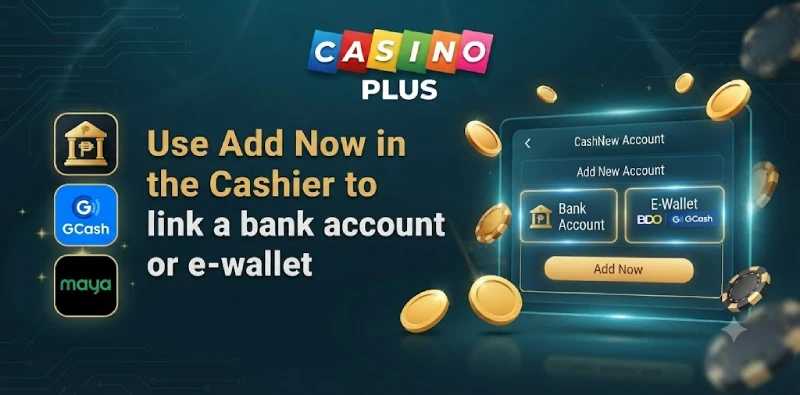
- Log in and open the Cashier, then select Withdraw.
- Tap Add Now to add a payout method.
- Choose a bank account or an e-wallet such as GCash or Maya.
- Enter the account details exactly as they appear on that account.
- Save the method; once verified and linked, you can withdraw to it.
Add a Bank Account
For a bank account, enter your account number and the account name exactly as your bank has it. Bank transfers can take up to 5 business days to arrive, which is normal for this method. Double-check the account number, since a wrong digit can fail or delay the transfer.
Add an E-Wallet
For GCash or Maya, make sure the wallet is fully verified and registered in your own name before linking it. E-wallets usually receive withdrawals faster than bank transfers, which is why many players link one. An unverified wallet can cause a payout to fail even when the name matches.
The linked method also needs your account to be eKYC-verified before the first withdrawal goes through. Once both the account verification and the linked method are in place and named correctly, you generally do not need to repeat the setup for later payouts.
Fixing a Name Mismatch
If a withdrawal is held for a name issue, the table shows common causes and fixes.
| Issue | How to fix it |
|---|---|
| Missing middle name | Use the full name exactly as registered |
| Different spelling | Match the spelling on your Casino Plus account |
| Account in another name | Use an account in your own name only |
| Unverified e-wallet | Verify the wallet, then link it again |
Frequently Asked Questions
How do I link a bank account to Casino Plus?
Open the Cashier, select Withdraw, tap Add Now, choose a bank or e-wallet, and enter the details in your own name. Once linked, you can withdraw to it.
Why must the account name match?
It is an anti-money-laundering rule that payouts go only to an account in your own name. A mismatch, even a missing middle name, holds the withdrawal.
Can I use someone else’s account?
No. The account must be in your own registered name. Using another person’s account will cause the payout to be held or rejected.
Which is faster, bank or e-wallet?
E-wallets like GCash and Maya are usually faster, while bank transfers can take up to 5 business days once the withdrawal is approved.
Link Your Account Correctly
Linking an account in your exact name is what keeps Casino Plus payouts moving. Next, see the full withdrawal guide and how to complete verification.